The need
Who is requesting, for which use, on which site and with what constraints? A sufficiently precise need reduces back-and-forth and makes the next stages easier to organise.

TO UNDERSTAND AND PREPARE
E-procurement means organising purchasing using electronic tools. Its value lies in the workflow: making the need explicit, moving information and retaining decisions in the right place.
Guides and methods · Read according to your needs
GUIDES AND RESOURCES
Sourcing Force + Buy Made Easy
General-purpose tools do not always absorb the variety of low-value needs and occasional suppliers.
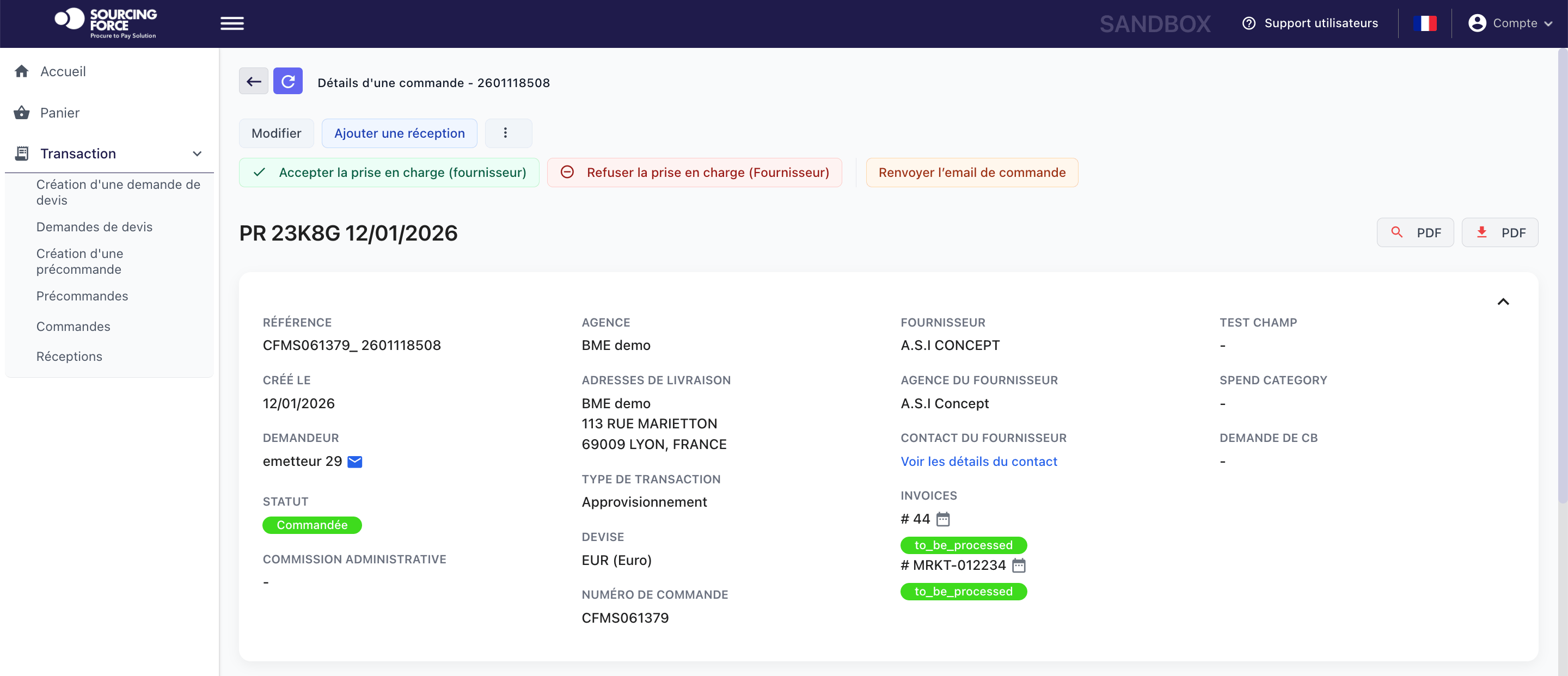
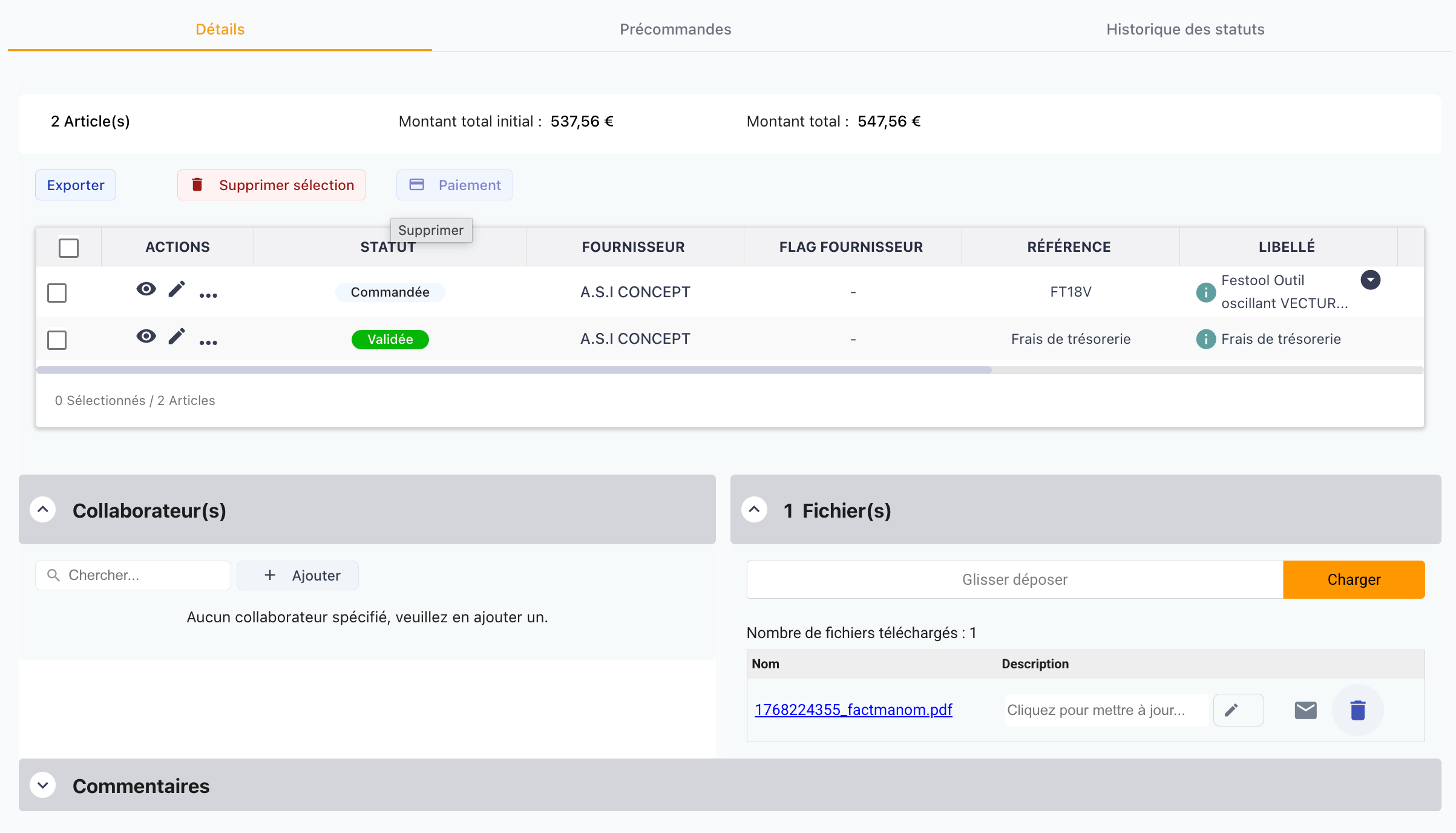
Sourcing Force acts as a dedicated third-party application that centralises requests and exchanges data with your ERP or S2P.
Buy Made Easy acts as the single supplier when the e-procurement workflow includes outsourcing operations.
Inside Sourcing Force
The starting point
Electronic purchasing goes beyond selecting an item on a supplier website. You need to define the need, check information, organise approval and track the order. Systems support different stages, but the workflow must remain clear to its users.
Class C procurement is a useful scope for examining this organisation: one-off requests, occasional suppliers and sometimes fragmented information. The diagnostic reviews processing time, data quality and clarity of responsibilities before estimating gains.
Information that matters
Who is requesting, for which use, on which site and with what constraints? A sufficiently precise need reduces back-and-forth and makes the next stages easier to organise.
A product reference, quote and basket have different roles. Determine which information must be transferred, checked and linked to the request before a decision.
A prepared request is not necessarily an order. Identify who approves, where the commitment is recorded and how the result returns to the relevant contacts.
One portal, several purchasing workflows

Small laboratory equipment, maintenance and one-off services need precise information even when their cost is low.
Explore the process →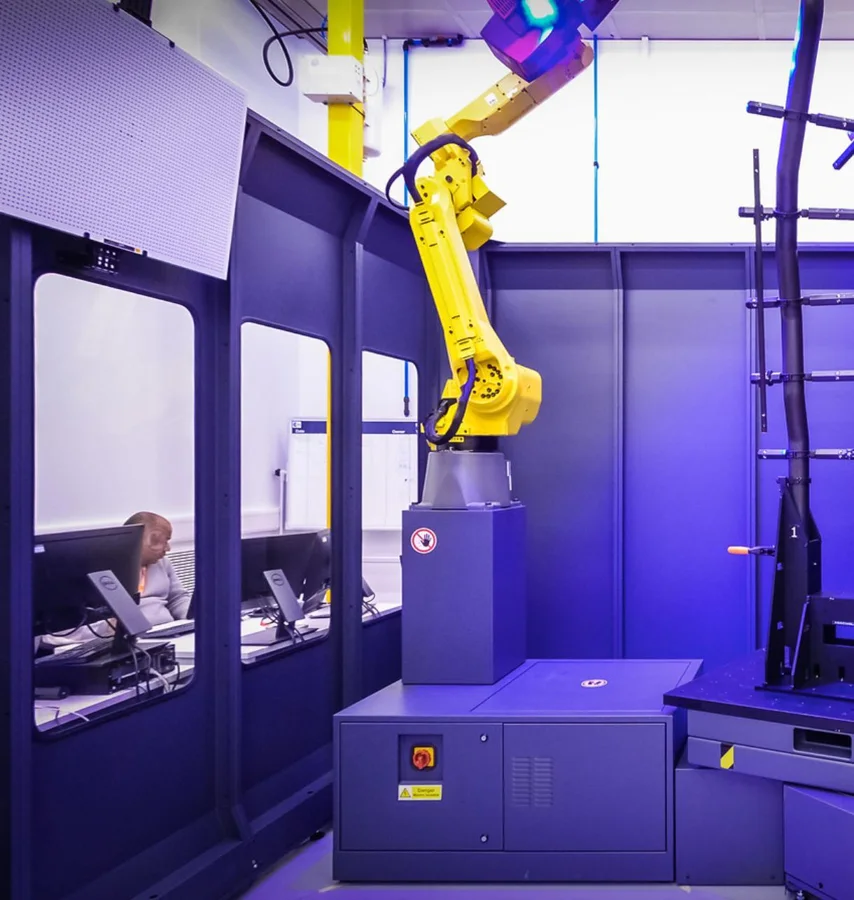
A missing part, a consumable or a local service can involve several teams for a single order.
Explore the process →
Urgent maintenance should not lead to a lost quote or an untracked supplier record.
Explore the process →
Work at remote sites multiplies urgent orders, small supplies and local suppliers.
Explore the process →
Counter purchases and unexpected needs may proceed before the site, budget and documents are properly identified.
Explore the process →
Handling equipment, consumables and maintenance generate scattered orders across multiple warehouses.
Explore the process →
Each outlet orders point-of-sale materials, services or travel from different contacts.
Explore the process →
Low-value requests may be scattered across departments without a shared view of needs or commitments.
Explore the process →
Event bookings, venues and one-off travel services involve project teams, business departments and procurement.
Explore the process →A clear workflow
Information moves between teams. Responsibilities stay clear.
Gather context, quantities and constraints. Identify who can answer questions about the need.
Use a catalogue, quote or another suitable workflow. Check information consistency and relevant documents.
Apply the organisation’s rules in the designated system. Distinguish approval, commitment and order issuance.
Find references and available information. Organise delivery or invoicing discrepancies with the responsible teams.
Your procurement system, extended
Master data, budgets, approvals and commitments remain within your management framework.
Your sites and requesters follow the same workflow.
Requests · quotes · catalogues · AI assistance · tracking
Master data to the portal · Requests and baskets to the procurement workflow · Shared statuses and supporting documents
A preparation checklist
| Object | Role in the workflow | Point to check |
|---|---|---|
| Hosted catalogue | Available product references | Updates and scope |
| PunchOut cart | Selection returned to a procurement system | Cart return separate from the order |
| Requisition | Need submitted to the internal workflow | Information and approvals |
| Ordering | Commitment transmitted under the rules | Issuer and master reference |
A practical scope
An employee selects supplies in an external catalogue. Cart return feeds the procurement workflow defined by the company. Information checks and the decision follow internal rules; cart return alone must not be interpreted as an order sent to the supplier.
Your initial scope
Map a routine situation and an exception. Record information entered again, exchanges that are hard to find and unclear responsibilities. This gives you a more useful basis for choosing features to examine and preparing demo scenarios.
Sourcing Force provides a specialised workflow; BME performs assigned operations when a service is selected. The client’s ERP/S2P remains authoritative for rules, approvals, commitments and orders. This guide explains the method; the Solution and Integration pages then describe uses and exchanges to review.
For class C procurement, measure time, fees and budget effects separately. Information that is easier to find can improve work without automatically producing an accounting saving. The calculator makes these assumptions explicit.
Prepare your project
An online shop lets you browse offers and prepare a selection. An e-procurement workflow also organises the need, internal decisions and purchase information tracking.
Cart return and order transmission are separate stages. Their relationship depends on the systems, flows and rules selected for the project.
Describe a real request from start to finish, then an exception. Identify people, information and decisions before choosing which features to examine.
Your next step
Let's discuss your class C purchases and how your organisation works.
Request your free assessment.
New content
A practical definition of procurement, how it differs from purchasing, and how sourcing, contracting, ordering and supplier management fit together.
Build procurement governance across demand, sourcing, contracts, purchasing, suppliers, data and performance.