The starting point
Specify whether users start from their procurement environment or another agreed entry point. Identify where their permissions apply and how the session opens.

TO UNDERSTAND AND PREPARE
Considering Amazon Business in your procurement workflow? This kit organises questions about the account, systems and data to exchange. It helps your teams prepare technical discussions and acceptance test scenarios.
Guides and methods · Read according to your needs
GUIDES AND RESOURCES
Sourcing Force + Buy Made Easy
A marketplace purchase must preserve the company's budget context and approvals.
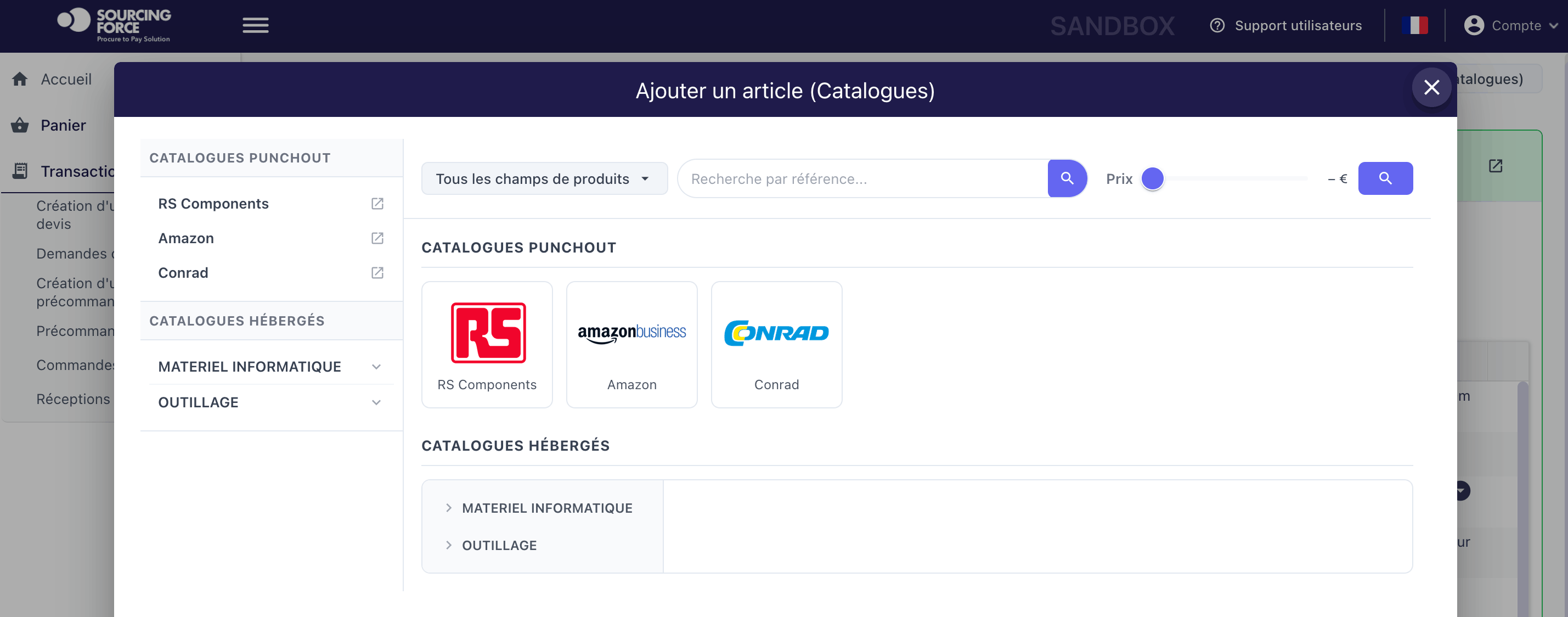
Sourcing Force centralises PunchOut access and cart return to the chosen request or ordering workflow.
Buy Made Easy can act as the single supplier for the outsourced operations agreed within your procurement organisation.
Inside Sourcing Force
The YouTube player loads only after you click.
The starting point
The project must identify the user's starting point, the catalogue visited and the system receiving the selection. A cart return is not an order: each step needs its data, owners and controls defined. Exact parameters are established with the project contacts.
For class C purchases, start with a limited scope: buying entity, users, countries and planned categories. Identify the relevant Amazon Business account and its administrator. Review the conditions applying to the account and market before opening access.
Information that matters
Specify whether users start from their procurement environment or another agreed entry point. Identify where their permissions apply and how the session opens.
List the data expected on return: references, quantities, units and amounts, according to the agreed flow. Plan how to handle missing data and discrepancies.
Identify the approval system and the system issuing the order. Describe cart return, approval and transmission to the supplier separately, along with tracking references.
A clear workflow
Information moves between teams. Responsibilities stay clear.
Bring together account administrators, procurement and IT owners. Describe the entity, market and systems involved.
Write down the steps and objects exchanged. Identify the authoritative reference and the person responsible for errors in each exchange.
Run a complete workflow and exception scenarios in the agreed environment. Compare expected and received data.
Document results and have the responsible people decide whether to open access. Define monitoring and the response to incidents.
A preparation checklist
| Point to test | Outcome to define | What to watch |
|---|---|---|
| Opening the catalogue | Access matches the agreed role | Account and permissions |
| Returning the selection | Data is present and consistent | Units, amounts and references |
| Interrupted session | Controlled recovery | Duplicates and incomplete cart |
| After the decision | Order identifiable in the correct system | Approval separate from cart return |
A practical scope
The existing Sourcing Force page presents an Amazon Business workflow. For your project, availability, market, objects and connection conditions must be established with the relevant owners. This kit provides neither credentials, configuration URLs nor a standard installation time; it helps prepare questions and tests.
Your initial scope
Sourcing Force provides the specialist workflow; BME delivers the services assigned to it. The customer's ERP/S2P remains the system of record for rules, approvals, commitments and orders. Adding a supplier catalogue does not, by itself, change this division of responsibilities.
Before the demonstration, prepare a workflow diagram and a sample selection without sensitive data. Ask which objects flow in each direction, how errors are reported and how an operation can resume without being created twice.
For your class C purchases, useful acceptance testing must also examine the scope boundaries: users, item types and excluded cases. The Catalogues page explains the general models; this kit focuses on preparing the Amazon Business use case.
Prepare your project
Identify the entity, market, users and account administrator. Describe the starting system, the expected cart return and the system responsible for the order.
Connection availability and scope must be established for your systems and account, then tested for acceptance. The kit helps prepare this analysis without guaranteeing a universal connector.
Include an interrupted session, an incomplete return and a recovery attempt. Define the expected behaviour with the project owners and check that no duplicates are created.
Your next step
Let's discuss your class C purchases and how your organisation works.
Request your free assessment.