Describe the environment
Identify the workstation or equipment the product is intended for. Review relevant connections, characteristics and usage constraints with the competent specialist to select a suitable reference.

YOUR PROCUREMENT SCOPE
Accessories, peripherals and one-off equipment purchases must reach the right user with the expected characteristics. Connect operational needs to references selected by IT and the procurement workflow.
Focused demo · Free assessment · Pricing on request

FROM WORKSTATION TO REQUEST
Sourcing Force + Buy Made Easy
Adapters, monitors and peripherals are often bought urgently from several distributors.
Sourcing Force centralises these equipment orders with their references, quantities and delivery locations.
Buy Made Easy acts as the single supplier for outsourced procurement. Project-based needs in the events and travel sector are covered in the Events & Travel workflow.
The starting point
This category covers equipment and accessories needed by users, workstations or meeting rooms. The requester describes the use and environment; IT specifies expected references and characteristics. Procurement then aligns the need, offer and supply conditions.
Class C procurement is sometimes spread across several sites and request channels. A poorly described accessory can lead to exchanges, a return or another order. The file must make clear what suits the user before the purchase is committed.
Information that matters
Identify the workstation or equipment the product is intended for. Review relevant connections, characteristics and usage constraints with the competent specialist to select a suitable reference.
Specify the user, department, site and receiving contact. Grouped and individual deliveries require different information; the file retains the actual recipient.
Known references can be organised in a catalogue. An unusual need or proposed alternative requires IT review before procurement continues processing.
One portal, several purchasing workflows

Work at remote sites multiplies urgent orders, small supplies and local suppliers.
Explore the process →
Small laboratory equipment, maintenance and one-off services need precise information even when their cost is low.
Explore the process →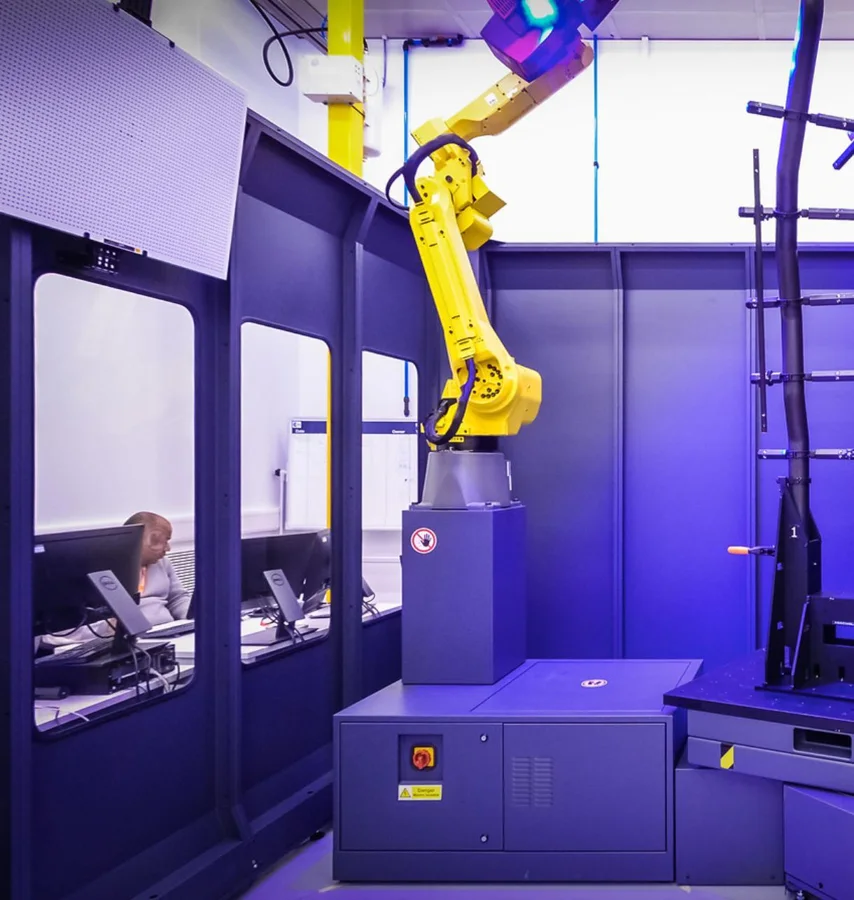
A missing part, a consumable or a local service can involve several teams for a single order.
Explore the process →A clear workflow
Information moves between teams. Responsibilities stay clear.
Describe the use, environment and desired date with the requester.
Match the need to selected references and have IT review exceptions.
Gather the offer, quantity, recipient, cost allocation and delivery information.
Apply the procurement workflow and organise feedback from the recipient.
Your procurement system, extended
Master data, budgets, approvals and commitments remain within your management framework.
Your sites and requesters follow the same workflow.
Requests · quotes · catalogues · AI assistance · tracking
Master data to the portal · Requests and baskets to the procurement workflow · Shared statuses and supporting documents
A preparation checklist
| Need | Useful data | Contact |
|---|---|---|
| Recurring accessory | Reference and compatible environment | IT department or IT expert |
| New user | Recipient and receiving location | Department manager |
| Room or shared space | Use and existing equipment | Site manager |
| Supplier alternative | Characteristics and differences | Technical expert |
Put the workflow into context
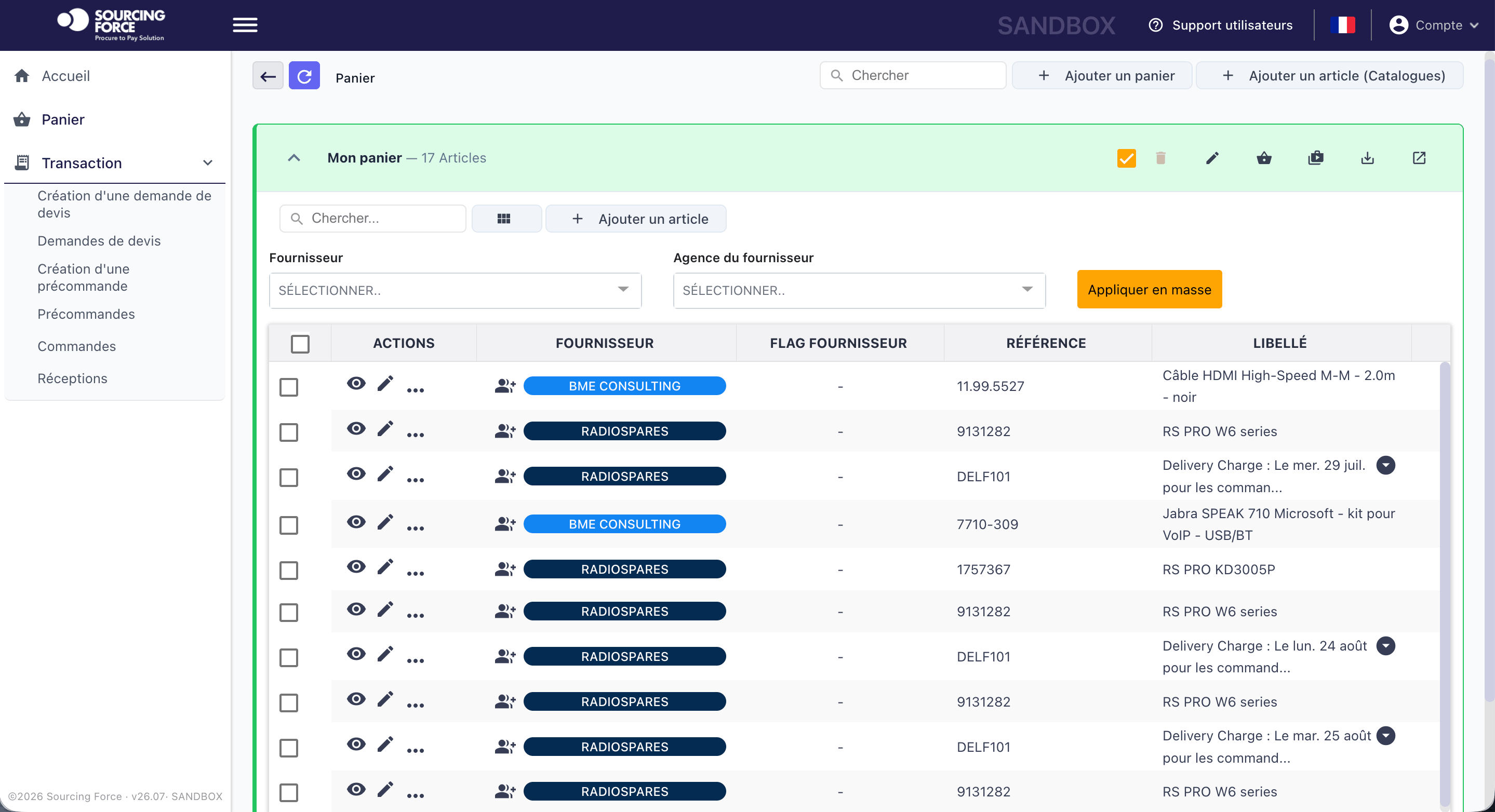
A user requests an adapter for travel between two sites. The request is completed with the equipment used and expected connection. The IT expert reviews the reference, then procurement prepares the offer and destination. Receipt can be checked against a defined need, without further interpretation.
Enlarge the screen ↗Your initial scope
Select a few recurring needs and a frequent exception to prepare the demo. Compare the information received by procurement with what IT needs. The pilot should reveal where a simple clarification prevents rework.
Sourcing Force structures requests, master data and supplier exchanges. BME performs the agreed outsourcing operations. Your ERP/S2P remains authoritative for rules, approvals, commitments and orders; IT retains its role in selecting references and uses.
The free diagnostic helps identify class C procurement spread across users. This page covers small equipment; infrastructure programmes and major IT projects require separate scoping suited to their scale.
Prepare your project
It covers a category of equipment and accessories used by businesses. Its purpose is to prepare one-off requests, references and receiving information.
The IT expert appointed by the client compares the characteristics with the intended use and environment. Procurement retains this decision in the file before commitment.
Prepare the selected references, descriptions and units, then review making them available in a catalogue with the selection owners.
Your next step
Let's discuss your class C purchases and how your organisation works.
Request your free assessment.